AI Image Prompt Builder PRO
Turn your ideas into detailed, professional image prompts. Customize style, composition, lighting and characters for your favorite AI image tools.
Generated Image Prompt
0 wordsExample Result
AI-generated illustration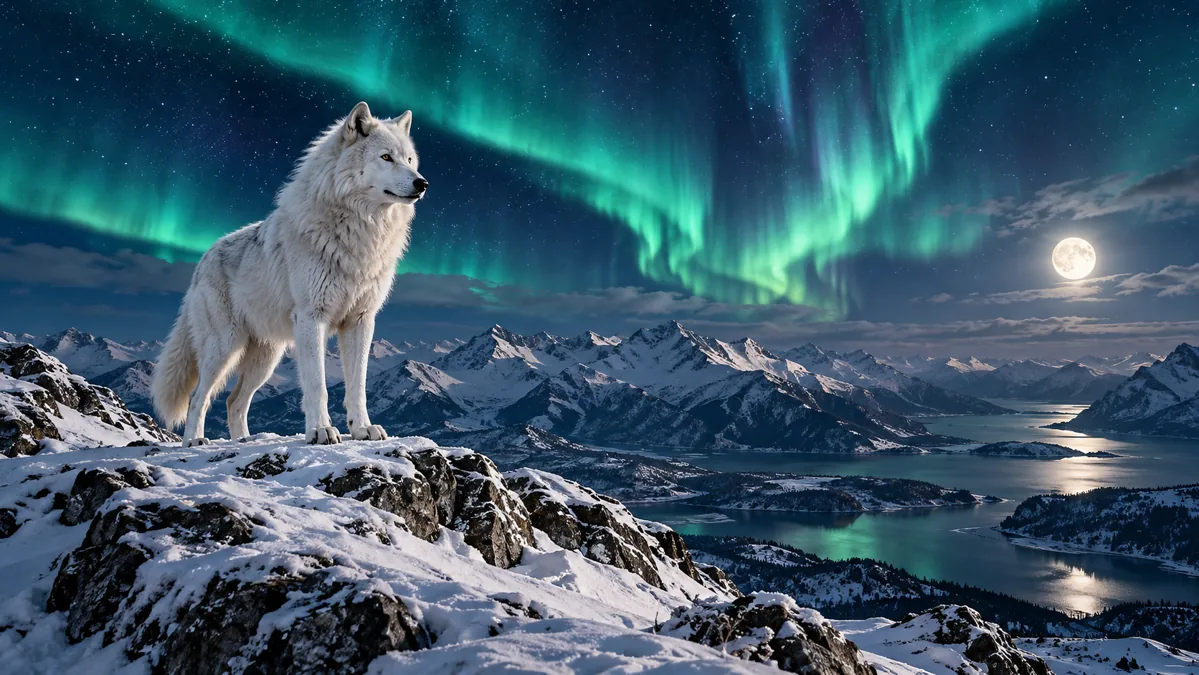
✧ Try These Examples
Click an example to load its idea and settings instantly.
AI Image Prompt Builder Guide
Give your next image a clearer creative direction.
Start with the image idea
Describe the subject, what it is doing and where it belongs. A specific object, scene or character gives the rest of your image prompt a useful anchor.
Shape the visual treatment
Select an art style, framing and lighting. Open the character, product or food controls when relevant. Keep unrelated fields empty so the brief stays focused.
Build, refine and use
Generate a detailed brief or switch to the short version. Enhance adds composition guidance through transparent local rules. Copy the result into an image-capable platform; choose model settings there.
Your prompt stays in your browser
This page builds text locally without sending it to a generation service or saving it automatically. Copy and TXT download happen only when you press their buttons.
Frequently asked questions
Does this tool generate images?
No. It creates editable prompt text using local templates and rules. The example pictures are static illustrations. Use your chosen image-generation service to create an image.
Is Enhance Prompt an AI rewrite?
No. It assembles the selected controls and adds explicit composition guidance. Review suggestions and remove anything that does not match your idea.
Will the character look identical in every image?
Not necessarily. Repeating defining traits gives clearer instructions, but identity consistency depends on the model, references and workflow used outside ToolNivo.
Does choosing an aspect ratio set the output dimensions?
It adds the intended ratio to your brief. Choose an available ratio or size in your image platform. ToolNivo does not control its output.
Can a prompt enhance an existing image file?
A better prompt can clarify an image request. This tool cannot sharpen, upscale or edit an existing file and has no image-upload function.
Independent tool. Platform names identify possible destinations, not partnerships or guaranteed compatibility.