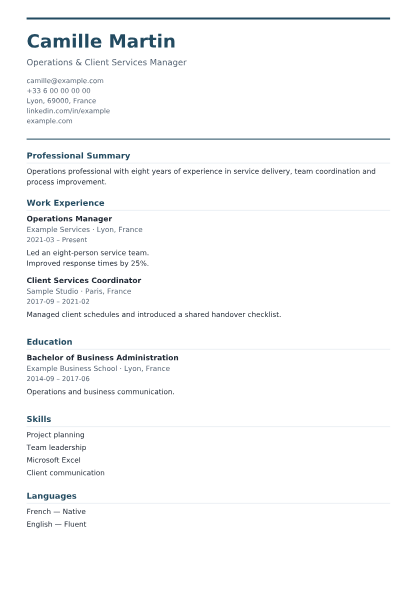
Professional
A clear corporate header, strong section rules and a full-width career story.
Preview uses fictional sample information
YOUR EXPERIENCE. YOUR NEXT STEP.
Choose an original professional template, add your story and download a clean PDF for free. Six layouts. No account, payment or watermark.
JavaScript is required for local editing and PDF generation.
Start with a layout. You can change it later without losing your information.
A clear corporate header, strong section rules and a full-width career story.
Preview uses fictional sample information
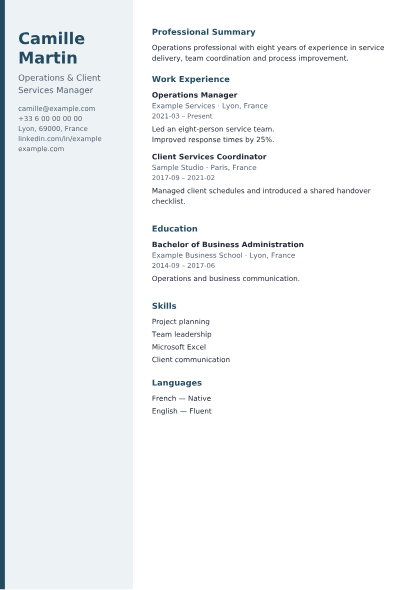
A calm left contact rail with a spacious main experience column.
Preview uses fictional sample information
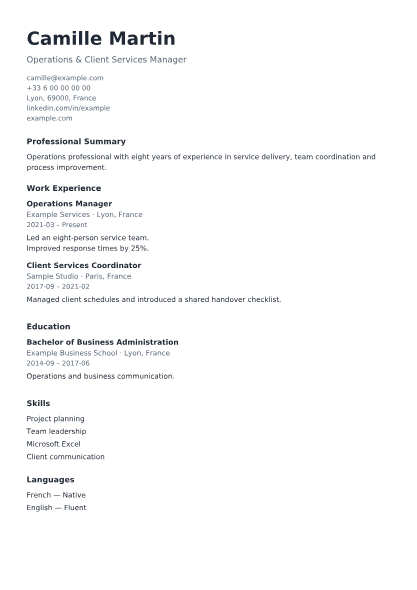
Single-column text, standard headings and a straightforward reading order.
Preview uses fictional sample information
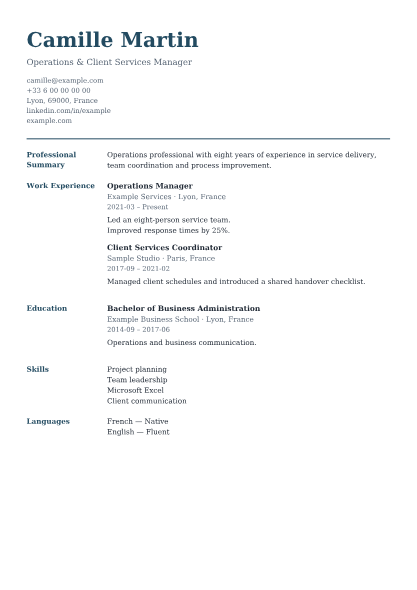
Serif typography with section labels in a separate editorial gutter.
Preview uses fictional sample information
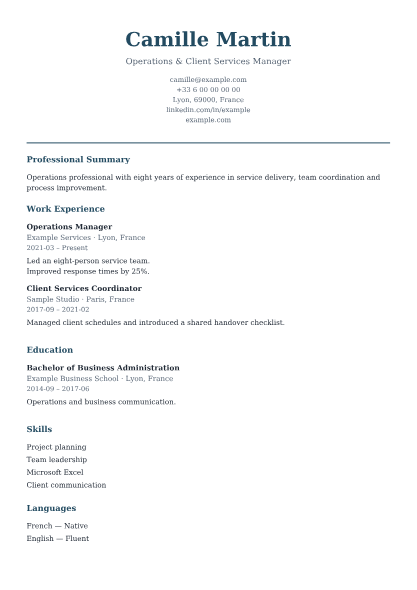
A centered introduction, quiet dividers and generous open space.
Preview uses fictional sample information
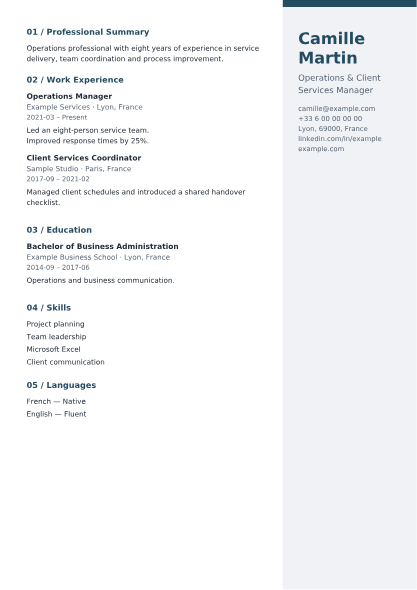
A right-hand identity panel and numbered, graphic section headings.
Preview uses fictional sample information
No photo selected.
PNG, JPG or WebP · up to 5 MB and 16 megapixels. A photo is not required. ATS Simple keeps your photo in the editor but omits it from the document.
Very light accent colors are darkened for readable document text. Change Template preserves every field.
Use the arrows to change the order in your document.
ToolNivo's free CV generator turns your own career information into a structured PDF resume. Choose one of six original layouts, enter your details and review the actual generated PDF as you work. The editor and download are available on this page, without registration or a payment step.
Professional uses a clear corporate header and full-width sections. Modern places identity and contact details in a left sidebar. ATS Simple keeps a plain single column. Executive separates section labels into an editorial gutter with serif type. Minimal uses a centered introduction and quiet spacing. Creative places identity in a right panel with numbered section headings. These are different document layouts, not just color variations.
ATS Simple uses standard headings, one column, a logical text order and selectable text. It omits photos and decorative elements. It is designed to reduce formatting obstacles, but no template can guarantee how every applicant tracking system will interpret a CV. Follow the employer's instructions and review any fields their application form extracts.
The builder embeds fonts and writes real text into an A4 PDF, preserving supported characters in English, French, Spanish, German and Portuguese. Contact links remain clickable when a valid web address, email or phone number is entered. The preview renders that same PDF, not a separate imitation. Additional pages are created as needed; very long entries may continue across pages.
Describe the work you actually did and the results you can explain. Match relevant experience to the job rather than filling every optional section. Use clear dates and readable descriptions, check contact details and proofread the downloaded PDF. A short targeted summary is more useful than a long list of generic claims. Only include a profile photo if it suits the application requirements.
Editing and PDF generation take place on your device. Your information and photos are not sent to the VPS, APIs or analytics. There is no automatic browser storage, so closing or reloading the page loses the draft. Save the PDF before leaving. This version does not import an existing CV, generate AI content or support Arabic/RTL layout. Unsupported characters produce a visible error rather than silently disappearing.
Yes. All six templates and PDF downloads are free, without a subscription, credit card, account or watermark.
No. Content and presentation are stored separately in memory. Switching templates preserves the fields, entries, order, hidden sections and optional photo.
Yes. Content continues on new A4 pages. Normal entries are kept together when space permits; an entry longer than a page is split across pages without removing its text.
No. You may add a PNG, JPG or WebP photo. ATS Simple omits photos from the PDF while retaining the selected photo for other templates.
There is no automatic draft saving or PDF re-import. Download your completed document before you close or reload this page.
The embedded fonts support Latin text used in English, French, Spanish, German and Portuguese. Arabic/RTL and unsupported symbols are not supported in this version and produce an error.
Yes. Add a custom section with a title and content. Use the inclusion checkbox to hide a section without deleting its content, and the section-order arrows to reposition it.
Prepare a separate letter with Text to PDF, combine requested application documents with Merge PDF, or extract selected pages with Split PDF. Keep your original CV PDF before editing application copies.