CV & RESUME GUIDES
6 Professional CV Templates: How to Choose Your Layout
Professional CV templates should help the reader navigate your information. They do not need to look identical, but they should make names, dates, roles and qualifications easy to find. ToolNivo provides six original layouts that use different document structures, not just different accent colors.
Compare the six layouts
| Template | Structure | What to review |
|---|---|---|
| Professional | Full-width corporate layout with section rules | Overall length and the space used by your introduction |
| Modern | Identity and contacts in a left rail | Long names and web addresses in the narrower rail |
| ATS Simple | Plain single column with standard headings | Text order and the employer’s format requirements |
| Executive | Serif typography with section labels in a gutter | Long section titles and detailed experience entries |
| Minimal | Centered introduction and open spacing | Balance between whitespace and document length |
| Creative | Right identity panel and numbered section headings | Readability of the main content and side panel |
Start with the application requirements
If the employer specifies a file type or a particular format, treat that as the starting point. A visually distinctive CV is not automatically better for every application. ATS Simple is available when you want a plain single-column document, but no layout guarantees how every recruitment system will process it.
When the format is flexible, compare the designs using your own content. A thumbnail with a short sample name cannot show how your long job title, qualifications and several roles will fit. The live preview is the useful decision point.
Look at real template previews
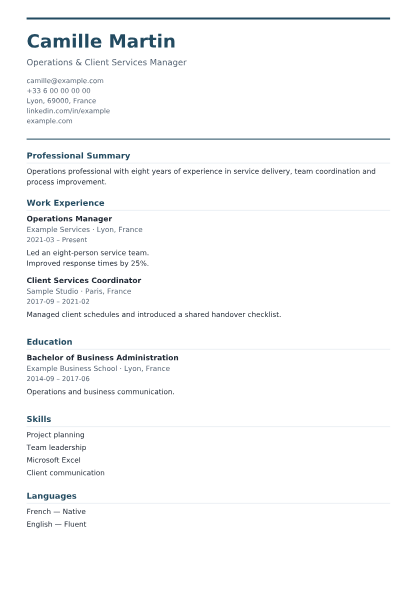
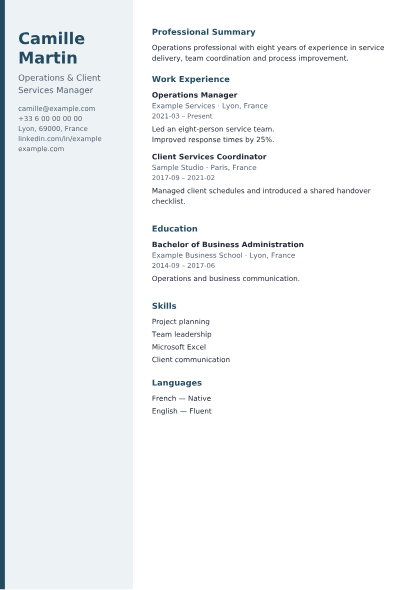
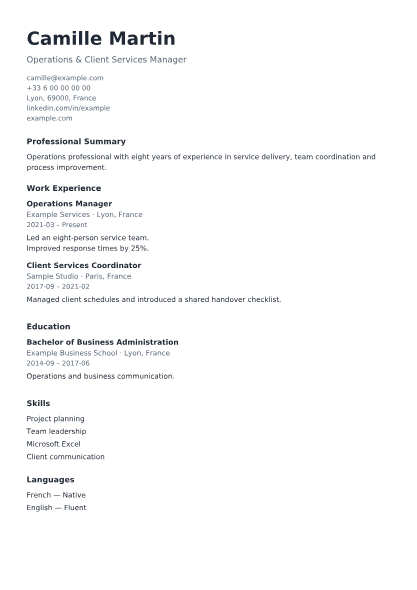
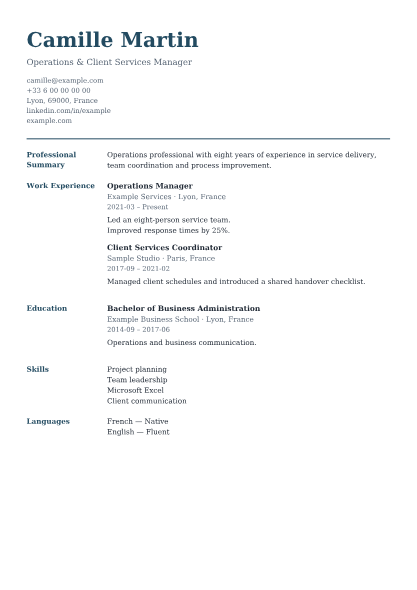
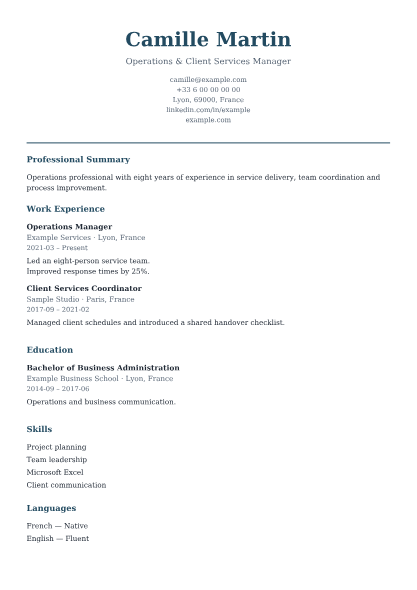
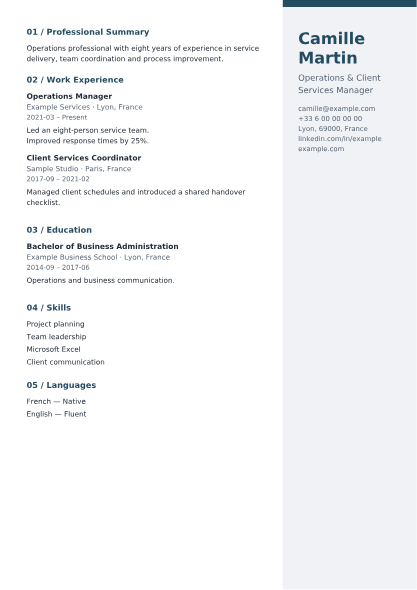
These previews use fictional sample information rendered from actual ToolNivo PDFs. Your document length and line wrapping will depend on the information you enter and your design settings.
Switch layouts without rebuilding your CV
Enter your information once, then choose Change Template to compare alternatives. Personal information, experience, education, skills and custom sections stay in the same content model. Section order and hidden content are retained too.
A photo is the deliberate exception in presentation: ATS Simple leaves it out of the PDF while keeping it available in the editor for other templates. The data is not deleted when you switch. You can also remove the photo entirely if it is not appropriate for the application.
Use customization to support readability
Adjust the accent color, body font size and section spacing rather than trying to turn the CV into a poster. Review the whole document after each change. Less spacing may reduce the page count, but it should not make separate roles difficult to distinguish.
If text runs onto another page, first remove repeated or irrelevant wording. Do not force a long career into unreadable small text. ToolNivo supports multiple pages and keeps ordinary entries together when practical; unusually long entries can continue onto another page.
Choose the version you can review confidently
Download different layouts under distinct filenames if you want to compare them outside the editor. Open each PDF and inspect all pages, contact links and the end of the final section. These templates produce finished PDFs, not reusable Word template files. Save your work before closing the page because there is no automatic draft history.
Frequently asked questions
Are all six CV templates free?
Yes. The templates and PDF downloads are available without payment, registration or a watermark.
Does changing a template reset my CV?
No. It changes presentation while keeping the entered information, section order and hidden sections.
Can I change every font or move text boxes freely?
No. The builder offers controlled accent, font-size and spacing settings, rather than a freeform graphic-design editor.